 |
"Only The Best" Trophy Page
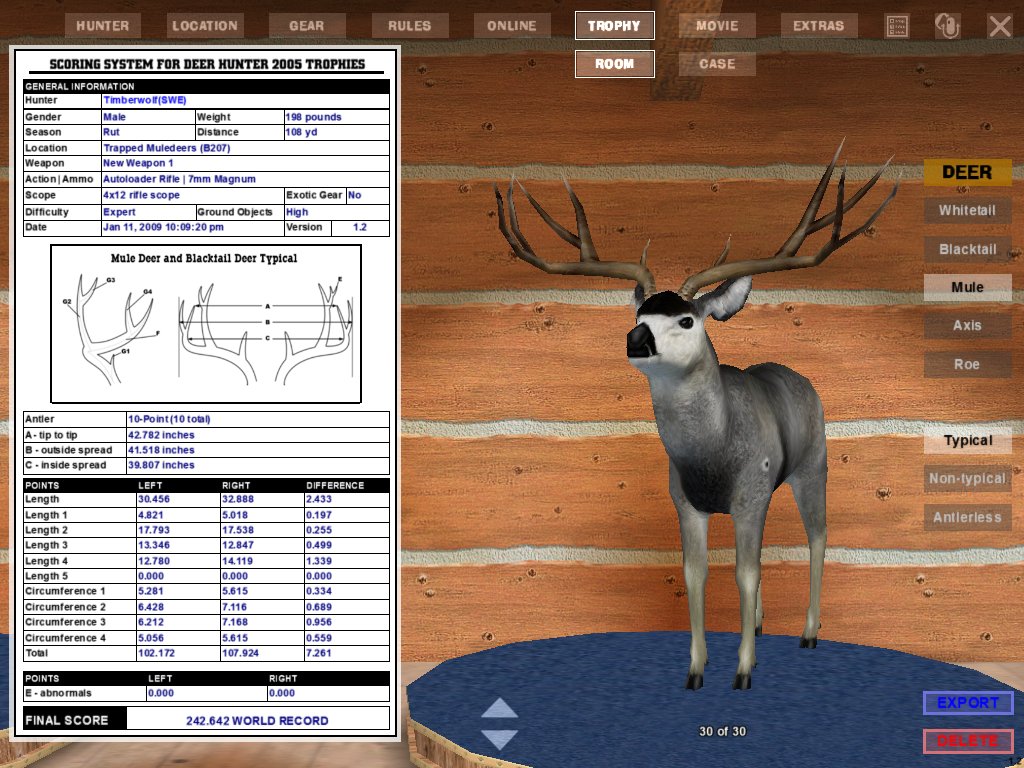
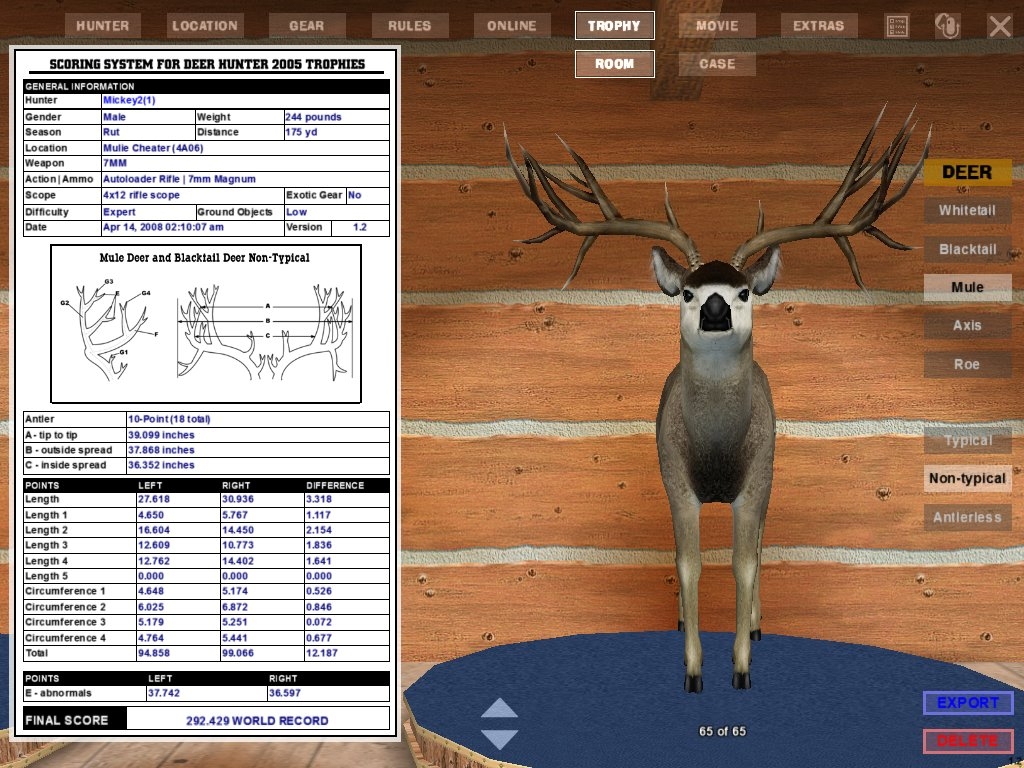
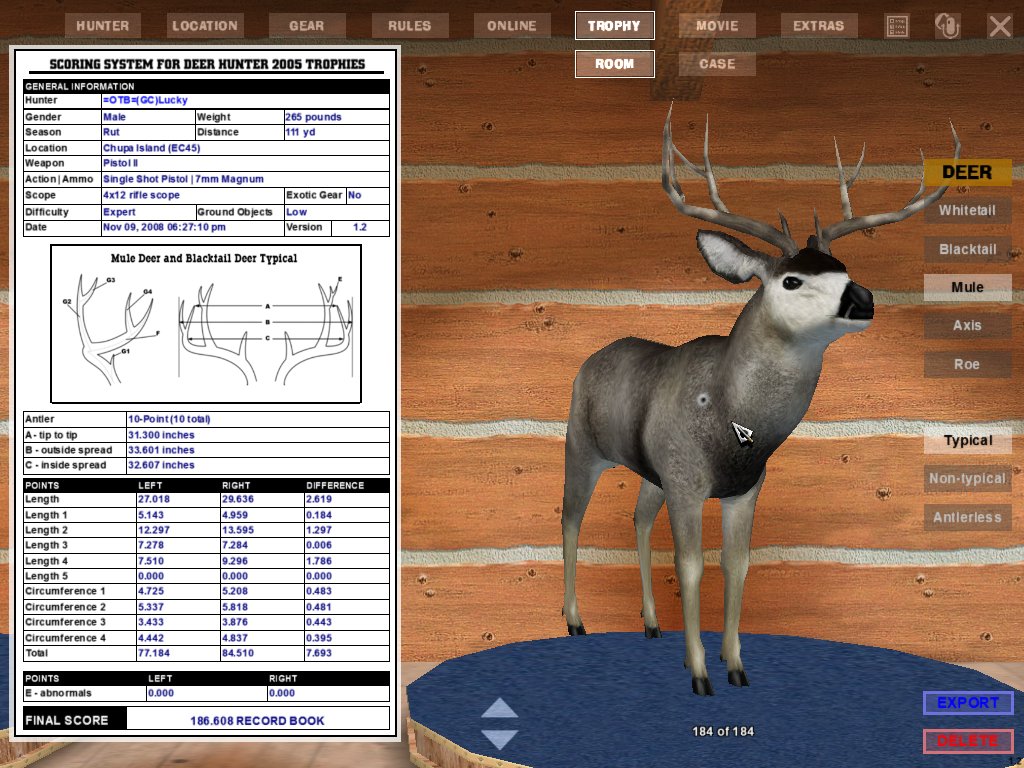
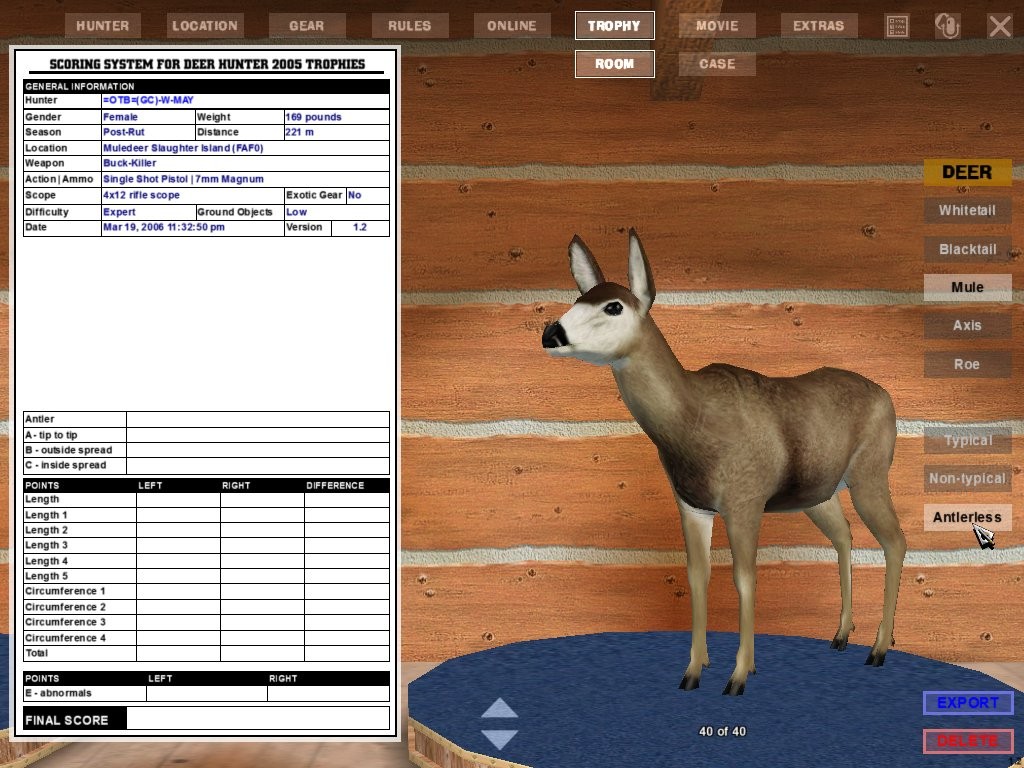
On this page you will find Only The Best DH2005 trophies that have been submitted by our members and friends. There is one trophy in each category. and that trophy is the BEST, to date, trophy for that category. Trophies will be updated as better ones are submitted If you have a trophy that beats the current one, send in a Screen Save and a Trophy Export of it. If it beats the current trophy it will replace the current trophy as the Best in it's category. See bottom of page for information on how and what to send.
Click here for a PRINTER FRIENDLY list of the following trophies.
Click on the Pictures to see the Screen Saves and on the Trophy File Links to see the full Trophy File. NOTE: You will need the DH2005 game installed on your computer to be able to view the Trophy Files. |
Trophies that have their scores in RED are, to the best of my knowledge, the Best or the Second Best in thier category ANYWHERE!!! |
Updated 01/12/11 |
Mule Buck Antler Score Typical 242.642 Timberwolf(SWE) |
Mule Buck Antler Score Non-Typical *** 292.429 *** Best on Net!!! Mickey |
Mule Buck Heaviest Weight 265 lb. =OTB=(GC)Lucky |
Mule Doe Heaviest Weight 169 lb. (GC)W-May |
||
 |
 |
 |
 |
||
Whitetail Buck Antler Score Typical 226.980 (GC)W-May |
Whitetail Buck Antler Score Non-Typical 253.571 =OTB=(GC)Ozzy |
Whitetail Buck Heaviest Weight 320 lb. (GC)W-may |
Whitetail Doe Heaviest Weight 240 lb. (GC)W-MAY |
||
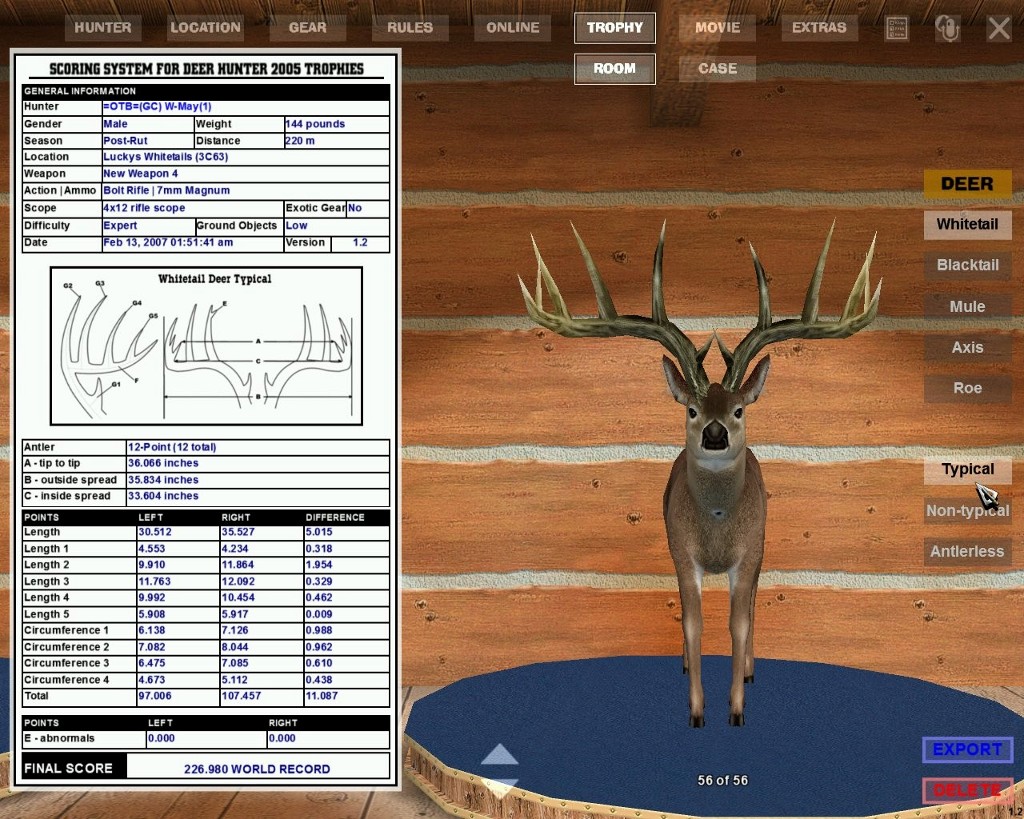 |
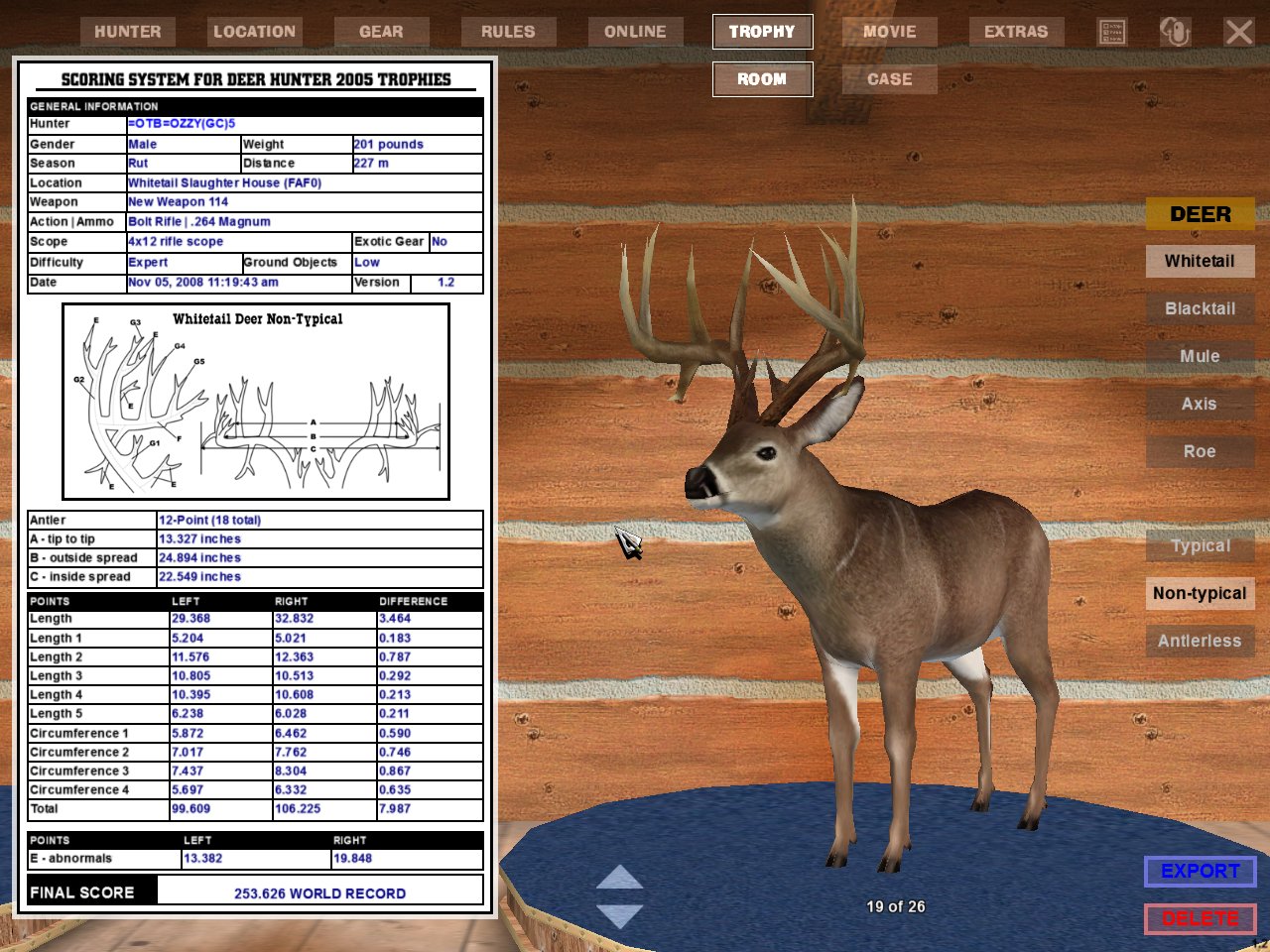 |
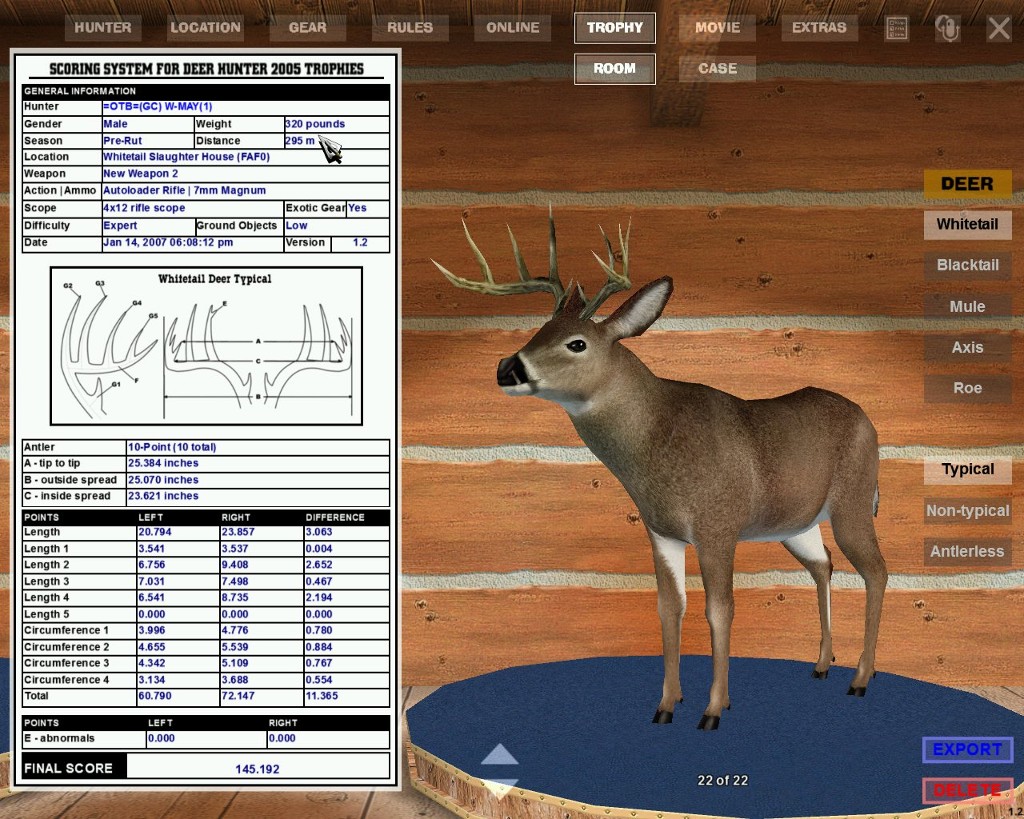 |
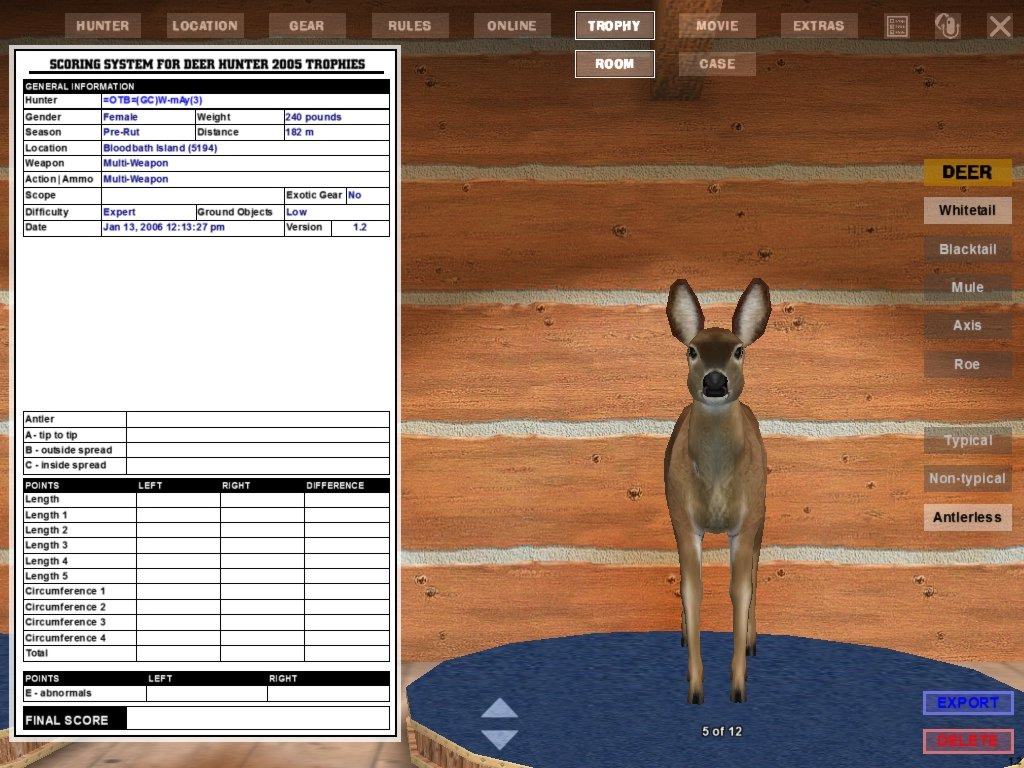 |
||
Blacktail Buck Antler Score Typical 200.367 Rut Master |
Blacktail Buck Antler Score Non-Typical *** 187.176 *** Best On Net!!! Wild Bill |
Blacktail Buck Heaviest Weight 186 lb. =OTB= Val |
Blacktail Doe Heaviest Weight 111 lb. (GC) W-May |
||
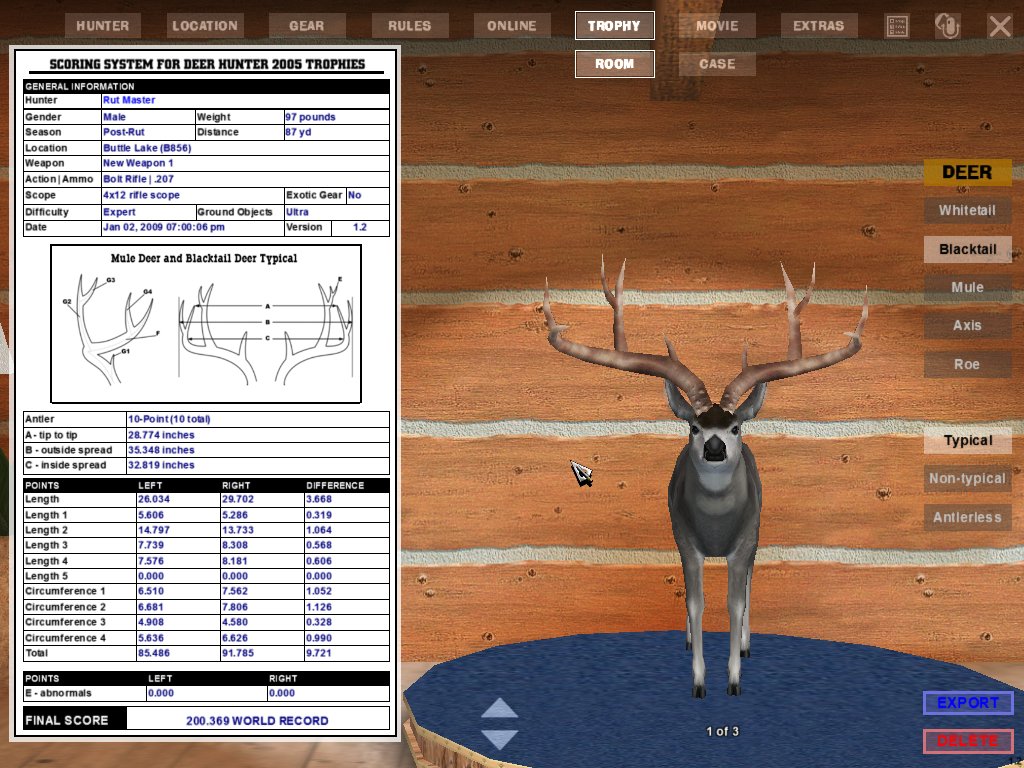 |
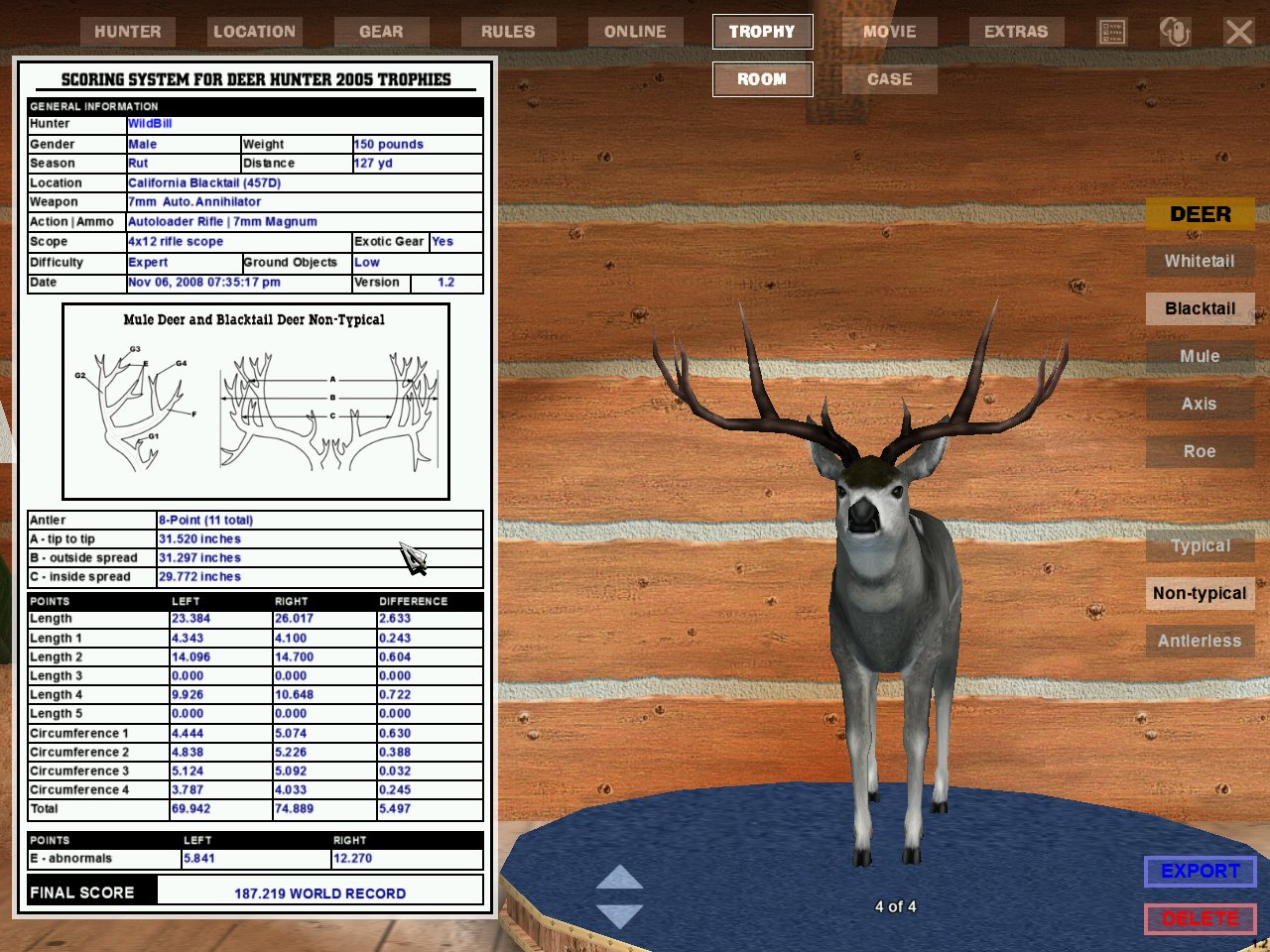 |
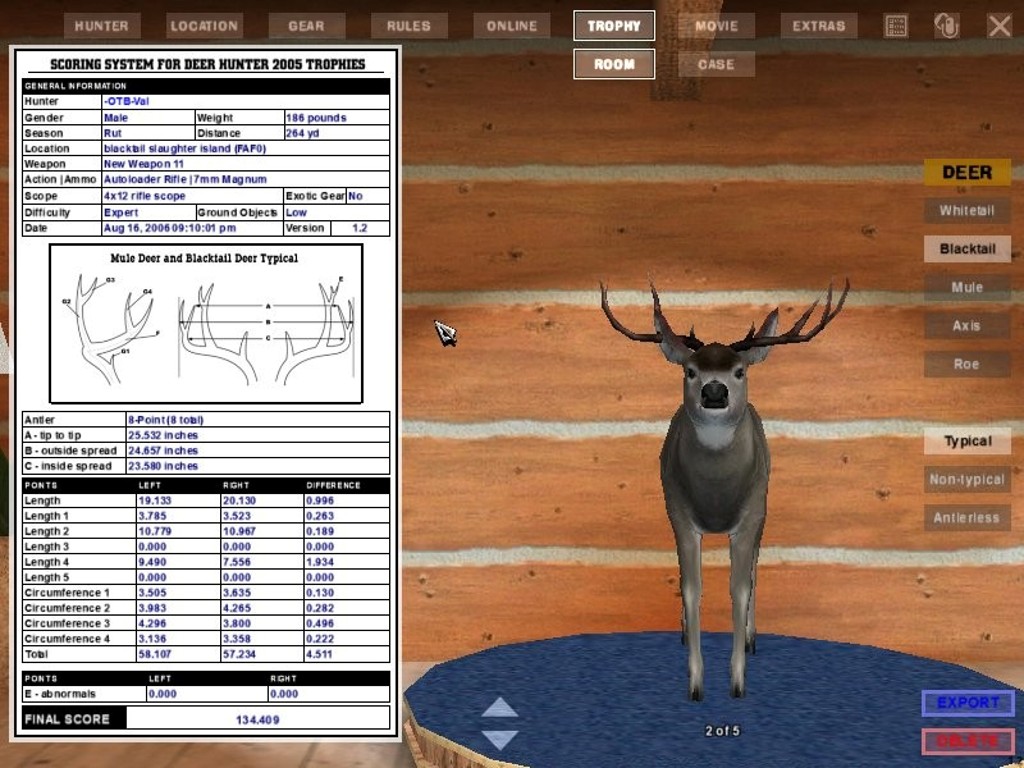 |
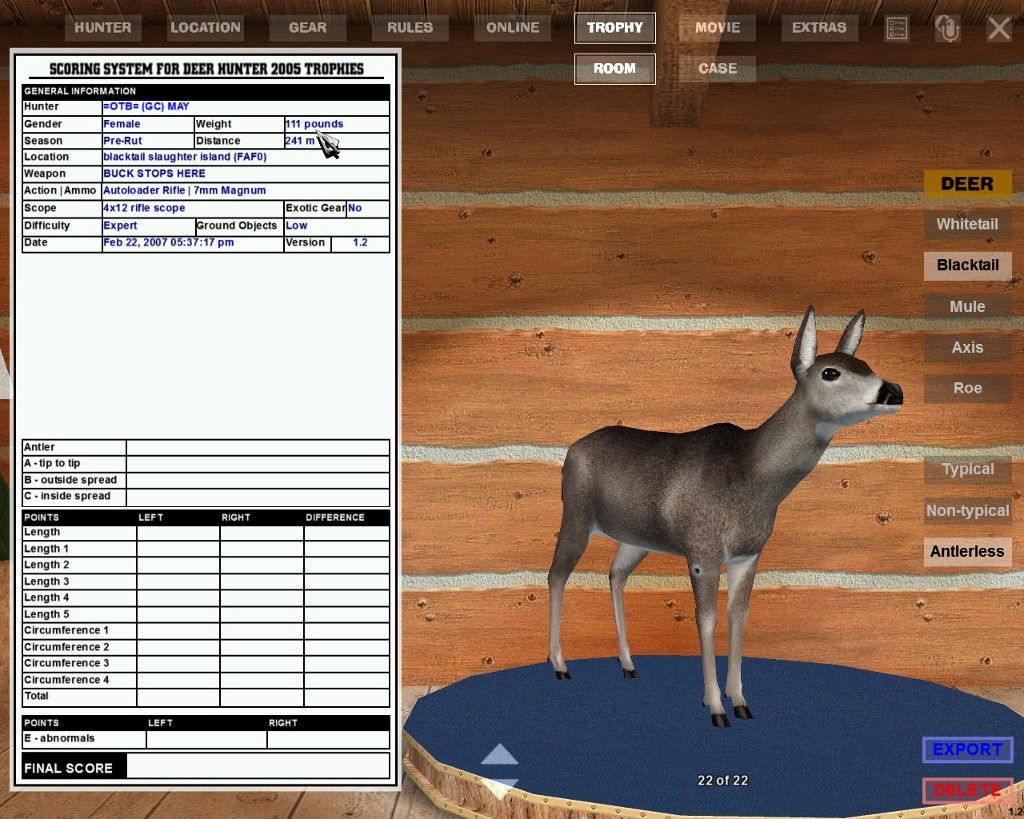 |
||
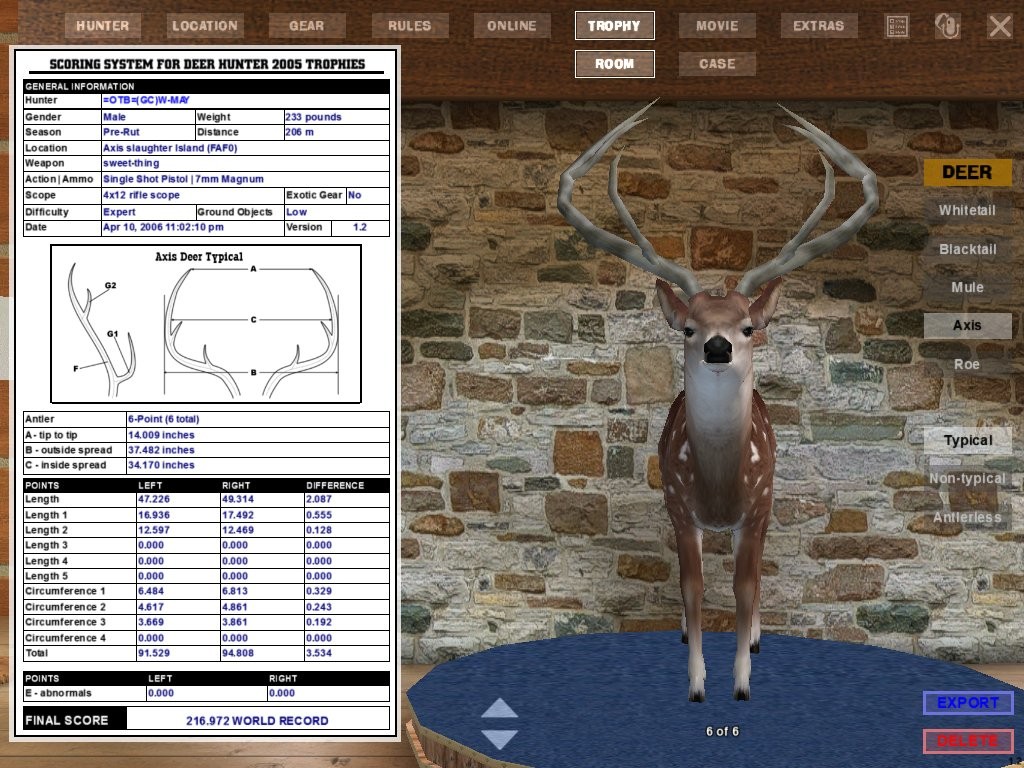
Axis Buck Antler Score Typical **216.972** Best On Net!! (GC)W-May |
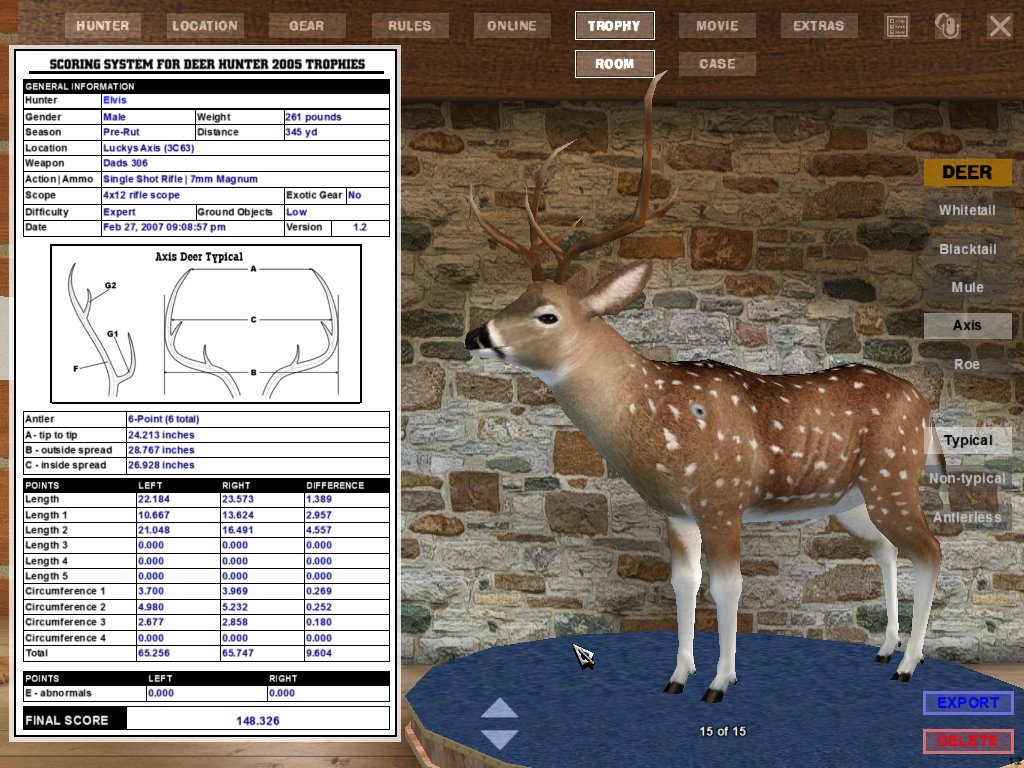
Axis Buck Heaviest Weight 261 lb. =OTB=(GC)Elvis |
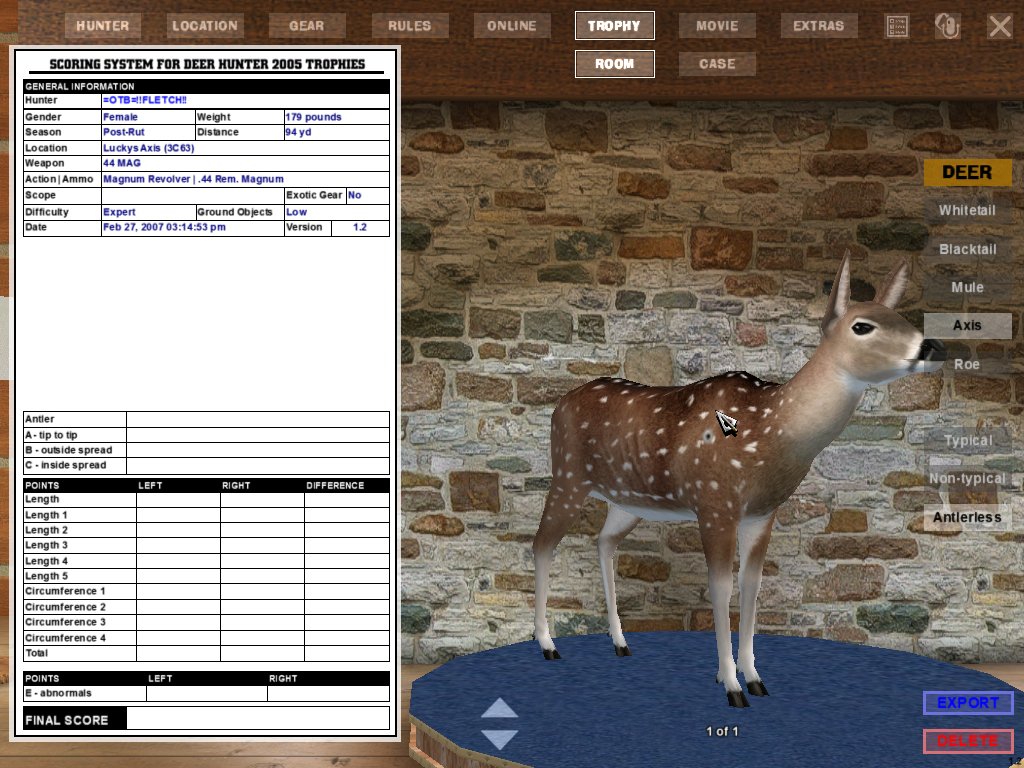
Axis Doe Heaviest Weight 179 lb. =OTB=Fletch |
|
||
 |
 |
 |
|||
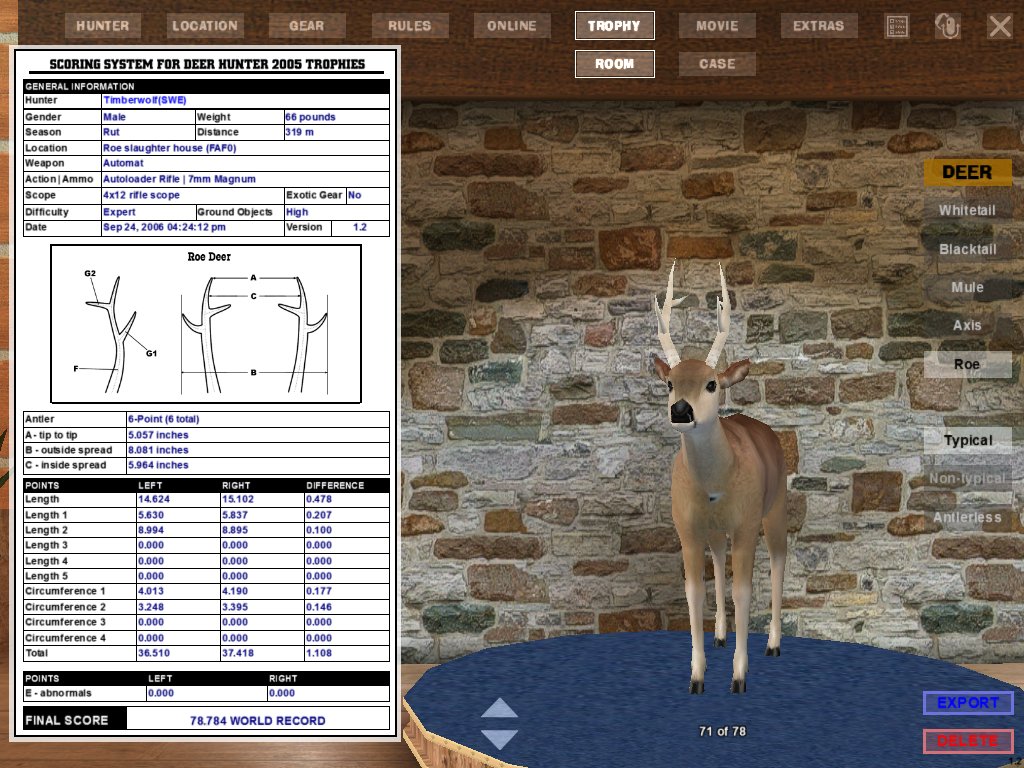
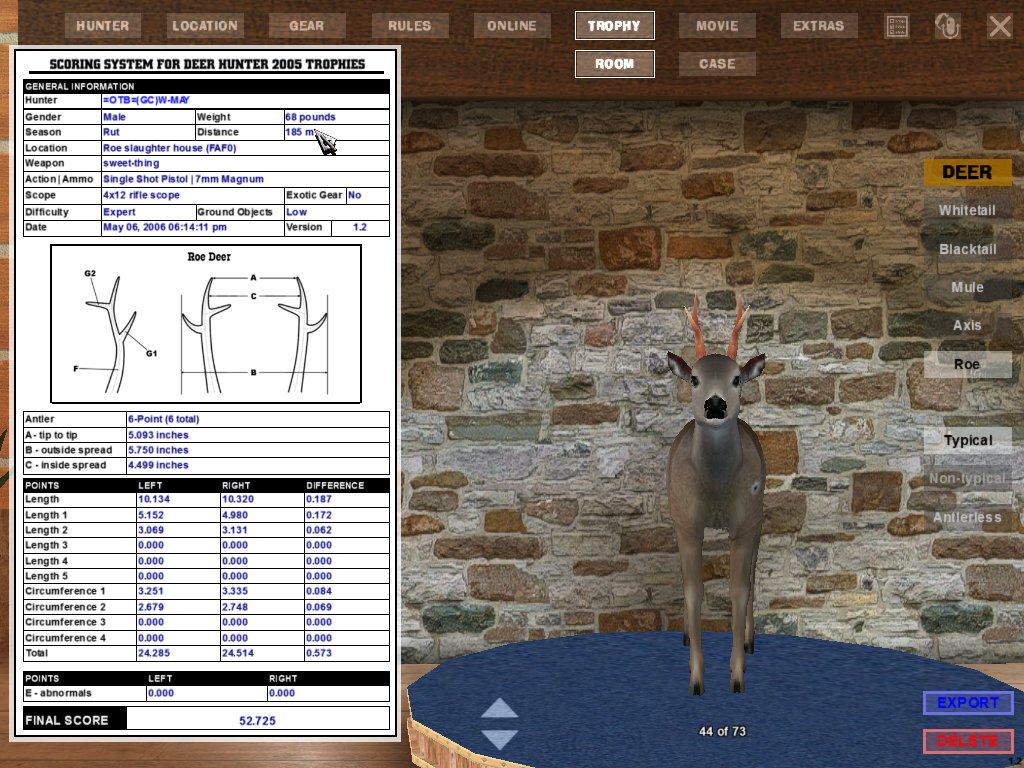
Roe Buck Antler Score Typical 78.784 Timberwolf(SWE) |
Roe Buck Heaviest Weight 68lb. (GC)W-MAY |
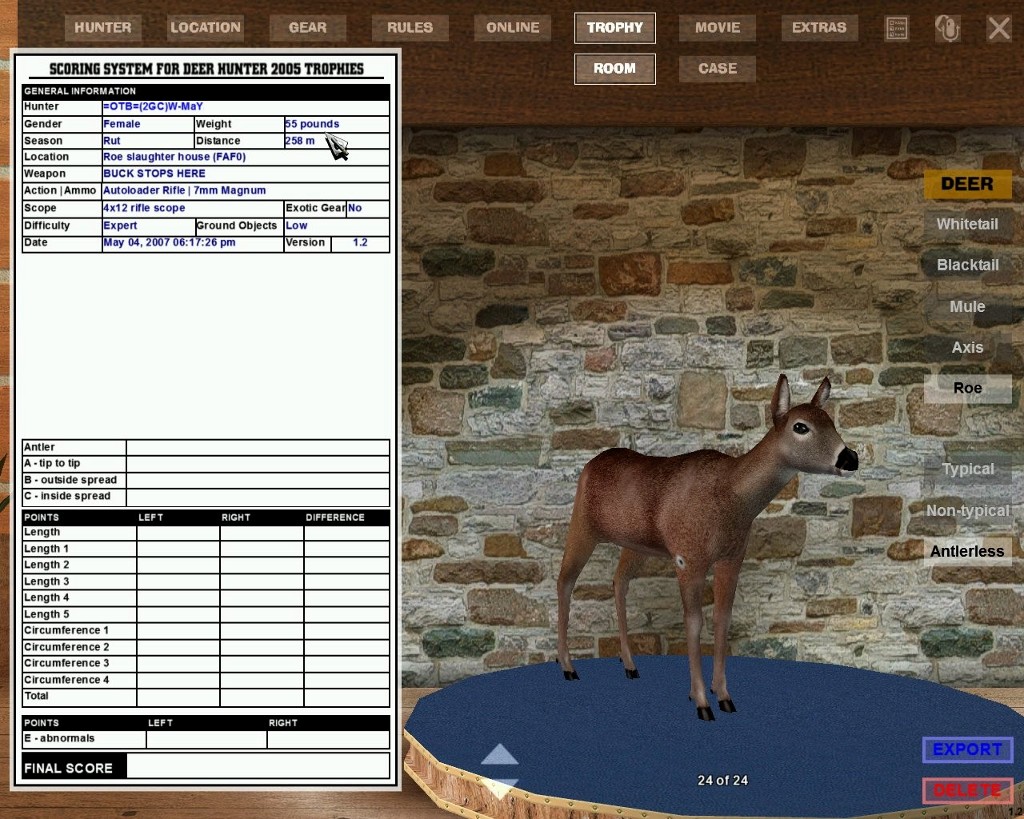
Roe Doe Heaviest Weight 55 lb. (GC)W-MAY |
|||
 |
 |
 |
|||
| Occasionally the Screen Save from the Trophy Room and the Trophy Export will have slightly different scores. When this happens I have used the Trophy Export score as the official score. |
|
In order for a submission to be accepted, you will need to e-mail a Trophy Room; SCREEN SAVE and a TROPHY EXPORT Please indicate the category you are submitting for on the e-mail subject line!!! Send DH2005 Trophy Submissions to Wiseard@cox.net If you don't know how to do a SCREEN SAVE and/or a TROPHY EXPORT follow these instructions. Go into the Trophy
Room, bring up the Trophy you wish to send, rotate the trophy
to its best position, and then press the F10 key. This will
place a screen save of the Trophy, in .jpg format, in your
C:\Program
Files\Atari\Deer Hunter 2005\Game\Screenshots folder. (This
is assuming that DH2005 is installed on C: Drive and is
in the normal,
default, folders.) Next click on "Export" and then
on "Save" which will save a copy of the Trophy
file in C:\Program Files\Atari\Deer Hunter 2005\Game\Trophies.
Attach
these two files to an e-mail and send to the e-mail address
above. |
|
 |
 |
 |
||
 |
 |
 |
| [an error occurred while processing this directive] |